Primary: A-level students
Ages 16–18. Core required practical across AQA, OCR, Edexcel, and WJEC.
 Double Slit Experiment
Watch photons and electrons reveal wave-particle duality. Scrub the timeline, dial measurement strength and complementarity, switch interpretations, orbit the bench in 3D.
An interactive 3D web application that visualises the quantum double-slit experiment.
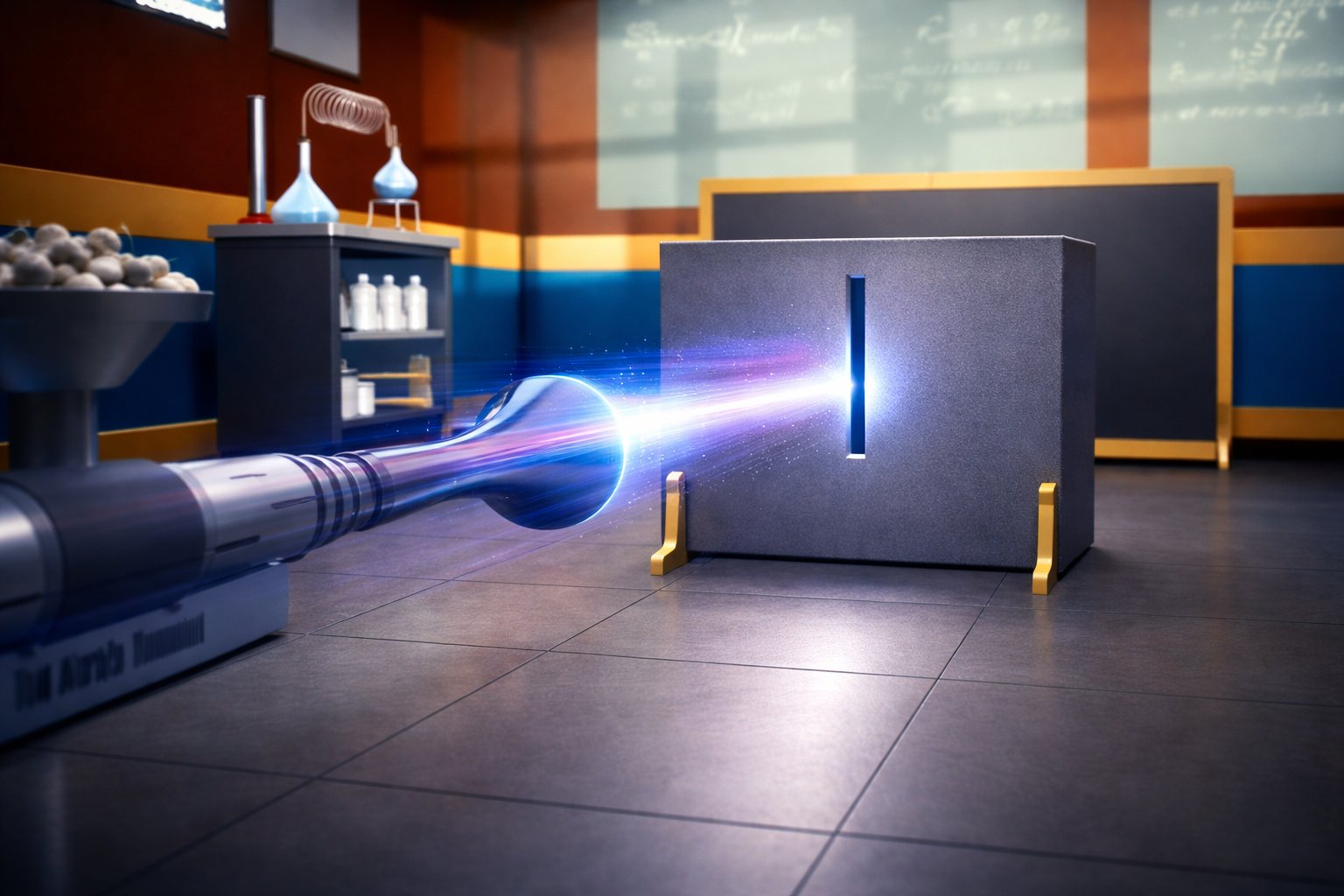
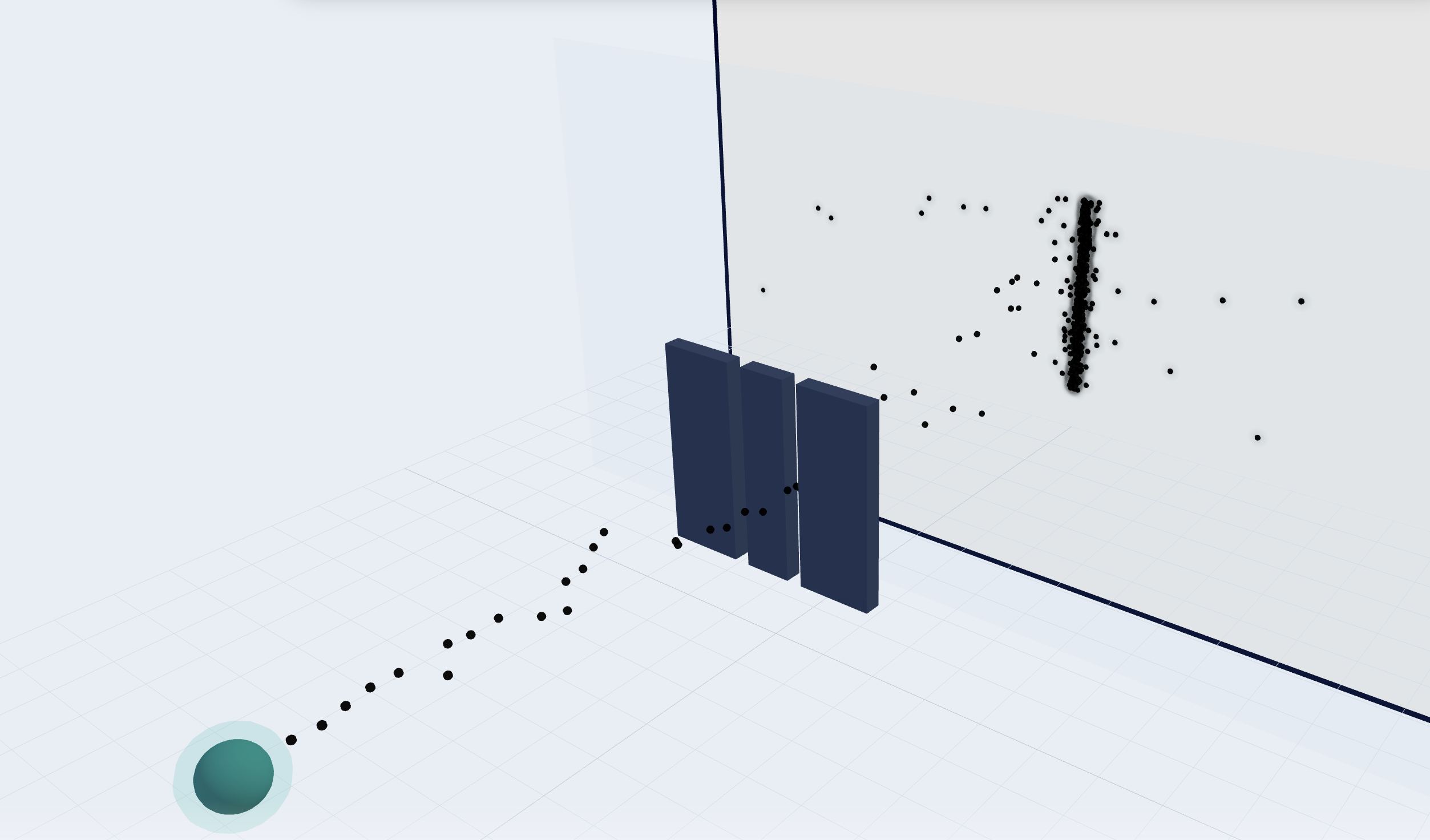
Users fire photons or electrons at a barrier with two slits and watch an interference pattern build on a detection screen.
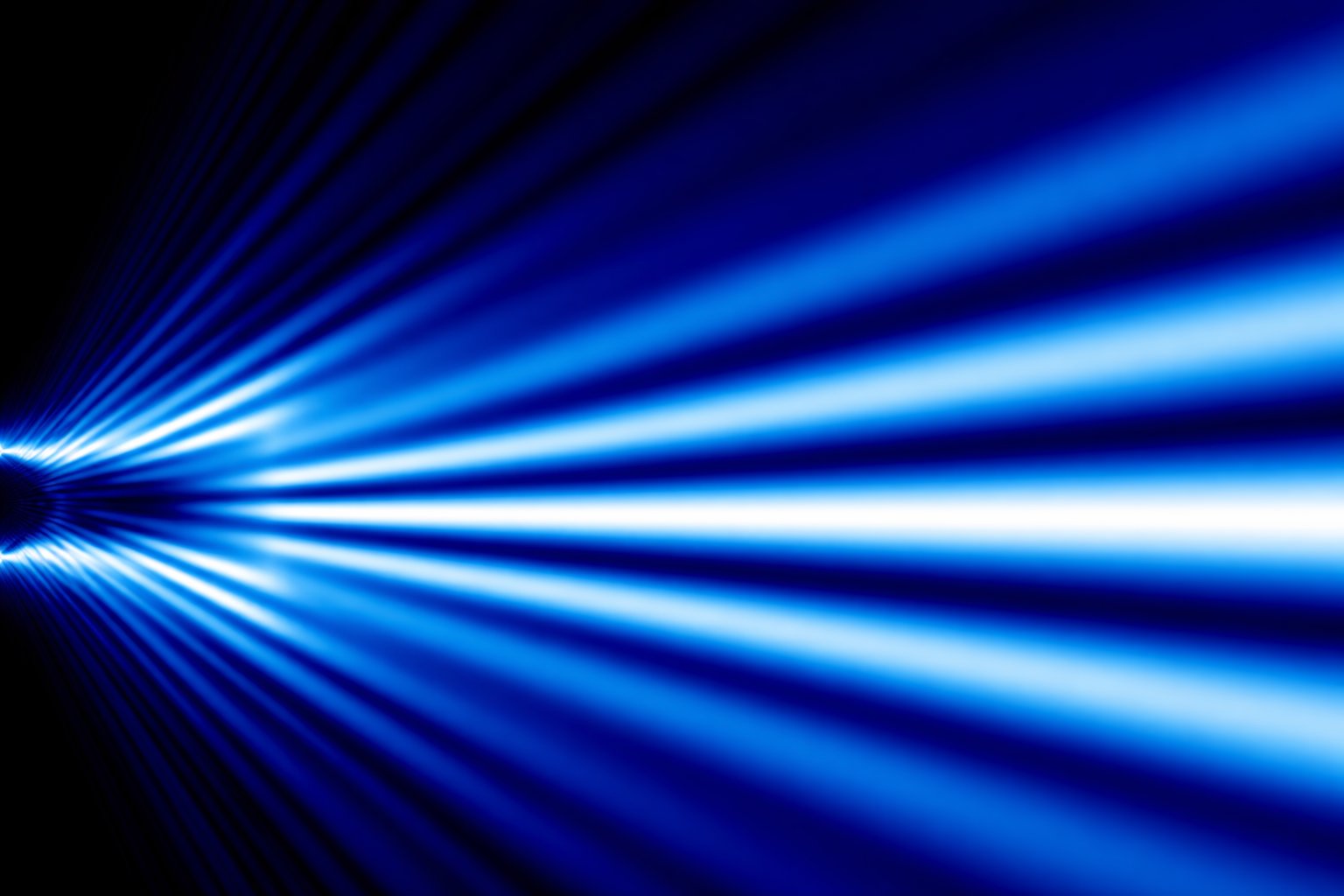
The double-slit experiment sends quantum particles through two narrow openings; when they are not measured at the slits, they behave like waves and produce bright and dark bands on a screen from interference. When which-path information is introduced, the pattern shifts toward two lumped bands—classic evidence of wave–particle duality.
This app’s objective is to make those ideas tangible: explore the bench in three dimensions, scrub time to see hits accumulate, toggle observer-style measurements, and adjust slit geometry and wavelength so the physics is clear for students and teachers.
[Particle Source] —→ [Barrier with 2 Slits] —→ [Detection Screen]
Answers for students, teachers, and newcomers—aligned with the full interactive demo (3D bench, measurement strength, interpretations, mobile layout) as shipped today.
Quantum particles (e.g. photons or electrons) are directed at a barrier with two narrow openings and detected on a screen behind it. When paths are not resolved at the slits, a statistical pattern of hits can show interference—bright and dark regions—consistent with wave behaviour. The app places you at a 3D bench with source, slits, and screen so that layout is obvious.
The same physical description can exhibit particle-like detection (discrete hits) and wave-like statistics (interference), depending on the experimental arrangement—including how much which-path information is available. The double-slit setup is the standard introduction to that idea at A-level.
γ (gamma) runs from no which-path information (full interference) toward strong which-path (classical-style bands). The demo samples from a standard double-slit intensity with a fringe visibility V(γ) so the pattern fades smoothly. In the full demo, use the slider and optional Observer toggle in Measurement, or drag the point on the Complementarity chart (which-path D vs fringe V). You can choose a visibility model (linear, quadratic, or exponential)—the quadratic curve matches D² + V² = 1. The classic build keeps a single straightforward slider. This is a teaching visualisation, not a full detector model.
They switch narrative copy, short “what’s happening” hints, and light visual overlays (wave metaphor, environment cues, etc.) around the same underlying statistics. Each line (e.g. Copenhagen, many-worlds, decoherence, pilot-wave, QBism) may expose different measurement controls—slider vs binary toggle vs perspective—because the story is different even when the numbers can match. They are not separate “game modes” with unrelated physics engines.
Impacts are pre-computed into a buffer. The bar at the bottom drives current time: only particles emitted on or before that instant are shown—scrub left to “rewind,” right to build the pattern. Play / pause, playback speed, and reset live beside the scrubber; a live particle count readout shows progress. Changing slits, wavelength, optional mass or coupling, interpretation, or γ recomputes the buffer; scrubbing alone does not.
Open Parameters (⚙ in the side rail on narrow layouts). Adjust slit width, slit separation, and wavelength (colour), then Recompute. The full demo adds interpretation-specific controls when relevant—particle mass, environment coupling, perspective, and so on. A theme toggle (light/dark) is in the header; your choice is remembered in the browser. Scene scale and emission rate are tuned for clarity rather than exposed as extra sliders.
The full demo lets you drive γ, read D vs V on the complementarity chart, and use interpretation-specific controls; what follows is the stylised sampling model behind each impact—not a claim that those tools are missing.
Arrival positions are sampled from a standard Fraunhofer-style double-slit intensity with a single-slit sinc² envelope, extended with a fringe visibility V(γ) so interference fades as measurement strength increases (Englert-type complementarity in the default quadratic model). At high γ the demo blends in geometric projection from each slit so hits form two narrow stripes on the screen—pedagogically clearer than envelope-only washout alone. That matches school-level interference and diffraction expectations; it is not a full open-system decoherence or detector simulation.
A-level physics (16–18) is the core audience—the practical appears across AQA, OCR, Edexcel, and WJEC. It also supports GCSE scaffolding, museums (short interaction loops), and non-specialist teachers—about a quarter of English state secondaries lack a specialist physics teacher, so clear visuals matter.
On viewports under about 1024px wide, controls sit in a bottom sheet you can drag (peek / half / full). Icon buttons jump to Measurement, Complementarity, Interpretation, or Parameters; Measurement and Complementarity start collapsed so the sheet stays short until you expand them. The 3D view stays full-width: drag to orbit, pinch to zoom (with a tighter maximum zoom-out than on desktop so the bench doesn’t vanish). The first-load theme matches the saved light/dark preference without a dark-mode flash.
UK schools often use modest Chromebooks (e.g. Intel Celeron class, 4 GB RAM, integrated graphics). The live demo uses WebGL 2 via Three.js with a capped particle count and a lighter detection-screen canvas path where needed (e.g. Safari). The goal is smooth use on typical classroom hardware; very old devices may need a reduced display size or fewer simultaneous tabs.
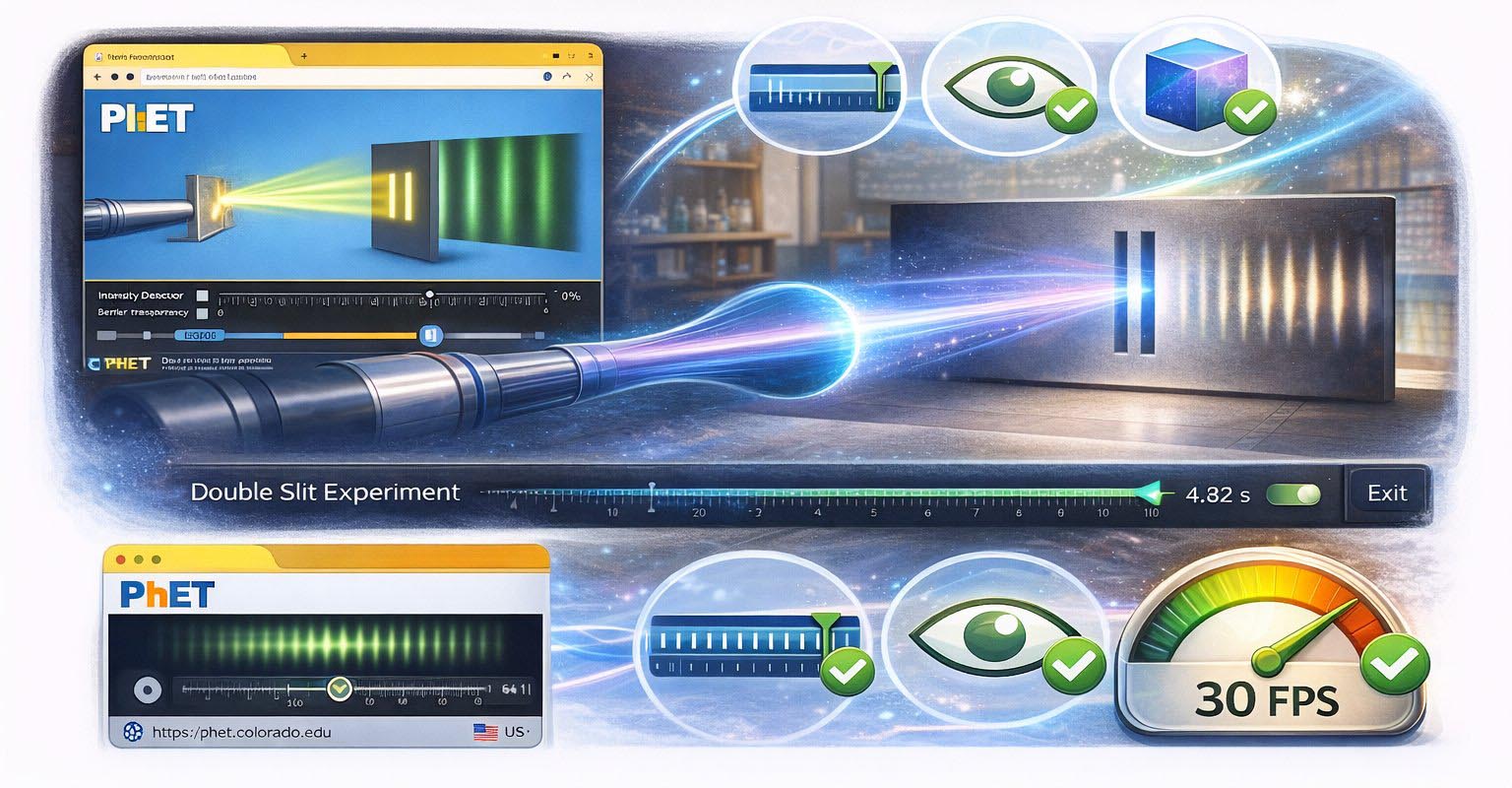
PhET has huge reach and excellent 2D wave labs. This build adds a 3D bench, timeline with playback controls, continuous γ with an interactive complementarity chart, interpretation narratives around the same statistics, light/dark UI, and a touch-friendly layout on phones and tablets—not only a flat plot.
The public demo is built on WebGL 2 through Three.js and does not require WebGPU. In the longer term, WebGPU may help with heavier particle or compute workloads on supported browsers; any fallback would stay on WebGL so schools are not left behind.
The experience is free in the browser. Analytics are intended to be cookieless and aggregated, aligned with ICO expectations for young users—no engagement gimmicks, streaks, or personal profiling in the product principles for this build.
The specification aims for WCAG 2.2 AA: keyboard routes for 3D controls, visible focus, live announcements for important simulation changes, and non-canvas alternatives (e.g. tabular summaries) where helpful. Marketing pages honour prefers-reduced-motion where motion is decorative.
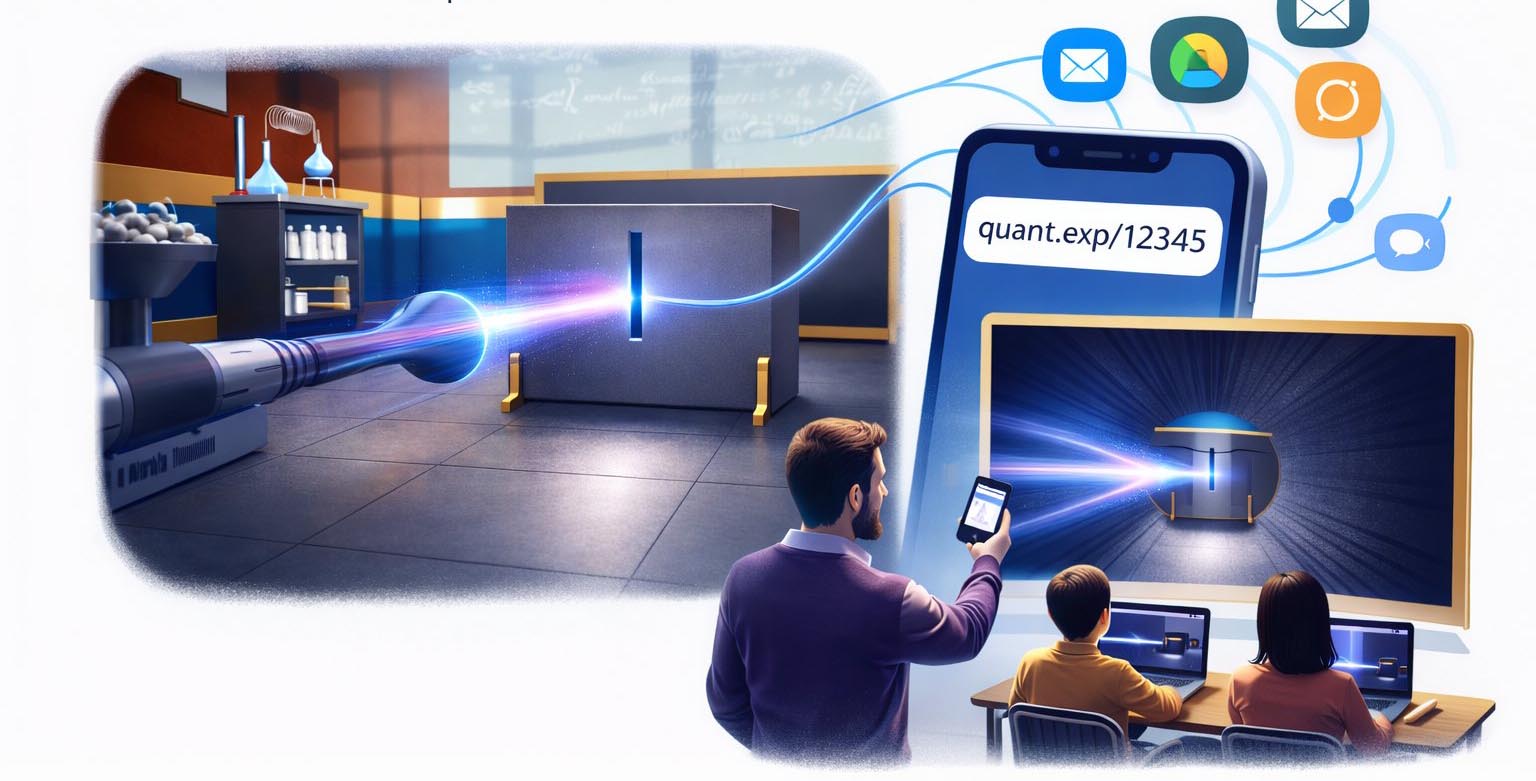
You can share /demo/ directly. Adding ?how=1 (or ?help=1 on the full demo) opens the on-page help so classes start with context. Encoding every parameter and interpretation in the URL is still on the roadmap—until then, mirror settings from a projector or a short checklist.
Ages 16–18. Core required practical across AQA, OCR, Edexcel, and WJEC.
25% of schools lack specialist physics teachers. Double Slit scaffolds understanding.
Ages 11–16. Scaffolded introductory modes for wave behaviour and photon model.
2–4 minute walk-up interactions. Museum mode with large touch targets.